 .
.You can switch between maps using the map commutator that is located in the top-right corner of the map window. You can do this for a given Geospatial Portal map if several predefined start maps are configured and available.
To change the maps, click the Map Selection button .
Select a map from the list to display it in the map window. The tick mark (check mark) indicates the map that is actually displayed.
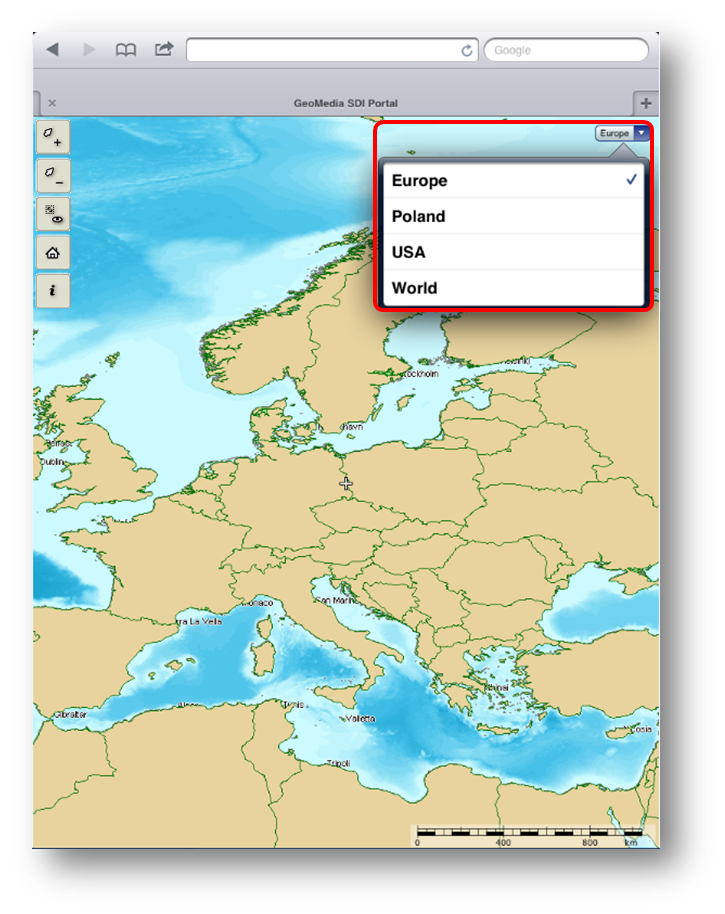
 Depending on the mobile device, the appearance of the list of predefined maps may vary.