This section is valid for all product flavors.
 This section is valid for all product flavors.
A single notification is displayed for a few seconds at the time of the event in the bar in the upper-left corner.

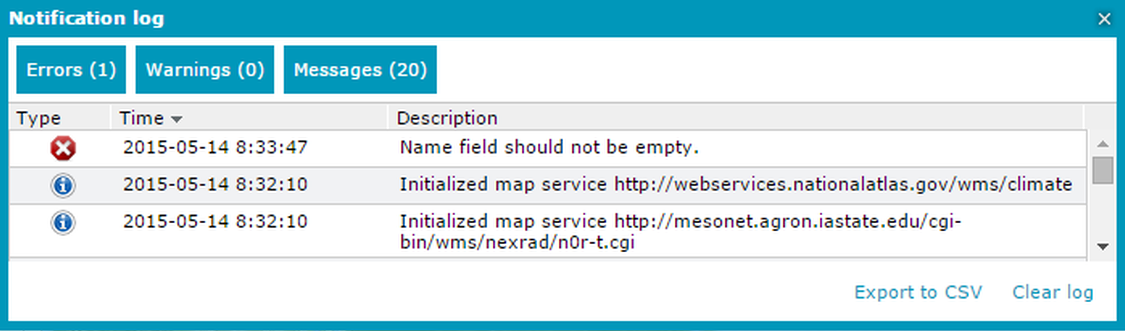
The Notification log window allows you to view the history of all notifications that occurred during the current session.
In order to open the Notification log window, select the Tools tab and click the Notification History Window icon  .
.
Three buttons, Errors, Warnings, and Messages, are used to filter the notifications by type. The number of notifications of each type is displayed in the brackets on the button.
Displayed logs can be exported to the CSV text file format by clicking Export to CSV.
In order to remove all (regardless of the types of notifications that are currently displayed) entries from the list, click Clear log.