The Search Results panel shows detailed information about the data that you can access through browsing or searching the ERDAS APOLLO Catalog and for data connected with geoprocessing or the Clip-Zip-Ship process. Search Results also provides different buttons that allow you to perform specific tasks with the found data.
The listing for each result displays the name of the result. Each listing also displays certain metadata for each result, including the title, abstract, compatible Web services, acquisition date, SRS, and spatial extent.
To see a specific extent for the found data, click the extent hyperlink (Details View only). You could alternatively select one or more search results and choose the Zoom command from the toolbar to change the map range so that it fits to the extents of all selected items. To highlight the spatial extent of the result on the map, move your mouse over the listing.
For found Datasets and Business Data, an additional option, File link:Open, can be available in the Search Panel. Clicking this option for the selected item downloads the file or opens it automatically in the application associated with the file type. Since portal attempts to open a UNC location, make sure that the access rights to the location are correct. This command can be enabled or disabled by the Geospatial Portal administrator.
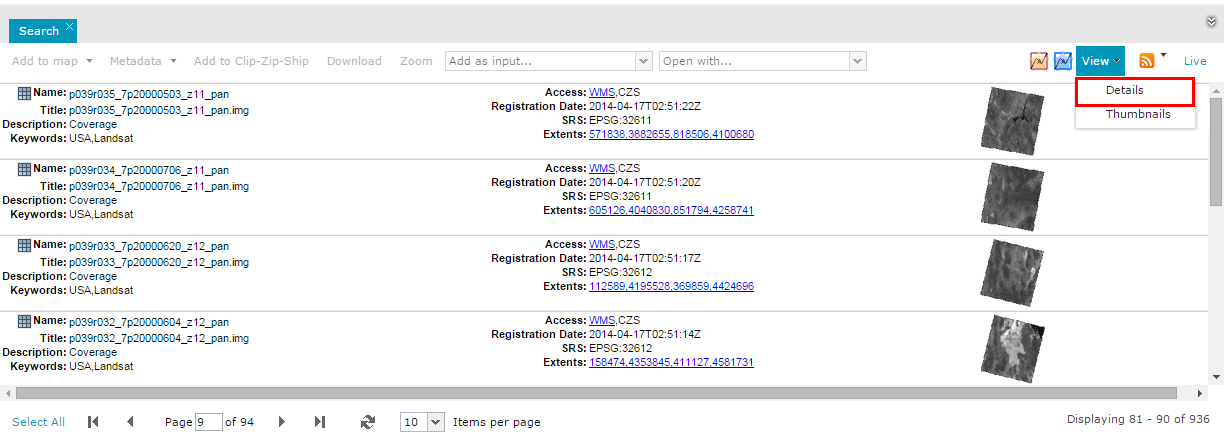
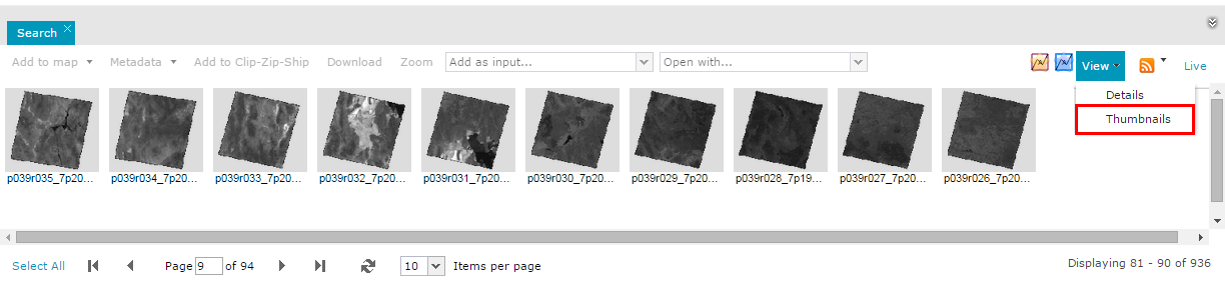
Data in all tabs can be presented in two different display modes:
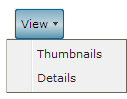
To change the display mode for data presented in the tab, use the View drop-down menu in each tab.
Detail view mode:
Thumbnails view mode:
 When there are too many characters to be displayed in any field in the Search Result panel (for example, Description), the text is shortened, and the [...] designation is added at the end to point out that there is much more information. In such a case, to see the whole abstract, the Index metadata should be displayed.
The table below shows the maximum visible text length for particular result fields:
Field |
MaxLength |
Description |
300 |
Title |
80 |
Name |
80 |
Tags |
170 |