This section is valid for all product flavors.
 This section is valid for all product flavors.
The Consumer Portal Layout gives you the ability to search for geographical objects from defined search sources. Only the administrator can define the search sources that can be used. More than one search source can be connected to the Consumer Portal Layout.
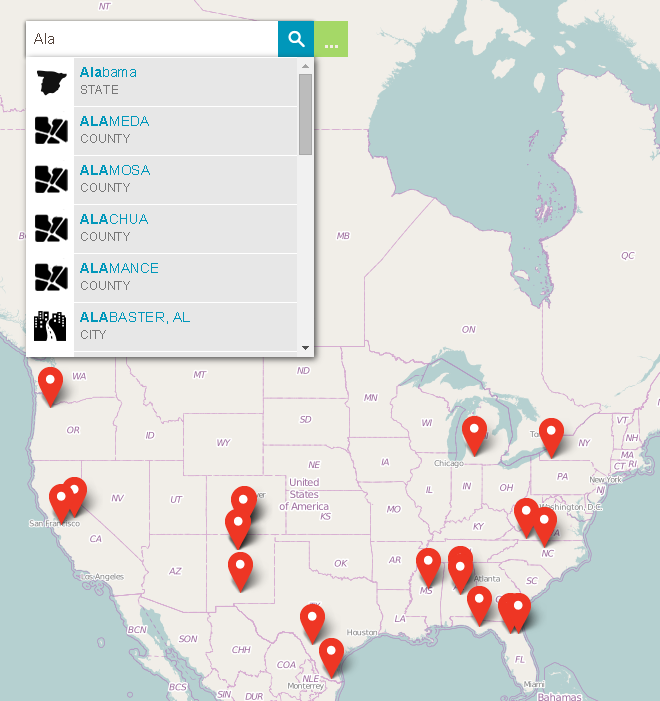
In order to perform the search:
 .The search field is shown
  .
.
To obtain more information on found and selected object:
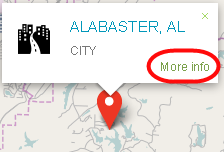
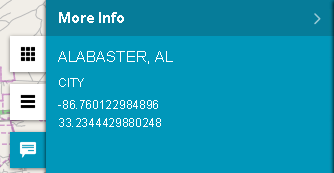
By having the More Info sidebar open and clicking the pins on the map, you can immediately see the information on the sidebar about the most recently clicked object.
You can invoke the More Info sidebar (if hidden) at any time by clicking the  button. Information about the most recently clicked object will be shown.
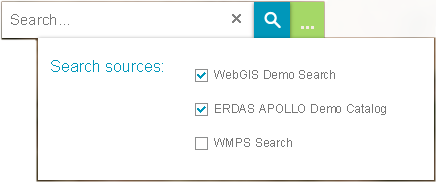
In order to view/select/deselect the search source used in Consumer Portal Layout:
.The search field is shown . button. The Search sources dialog will be shown.