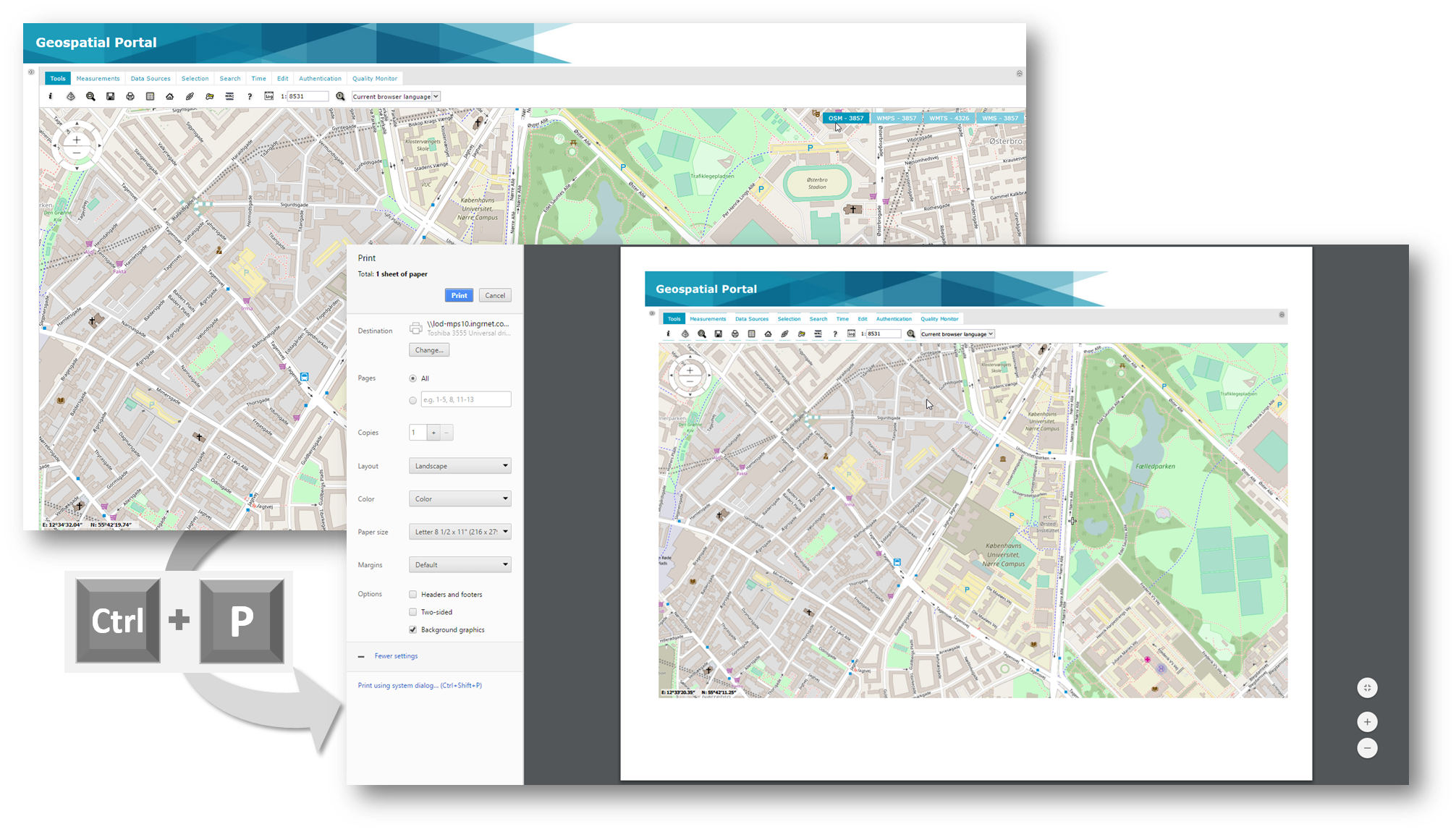
In order to quickly print the map with no additional configuration nor external print service press Ctrl+P key combination on your keyboard. You can print the map, such as you see it in application. Maps are printed using simple Web browser dialog offering typical printing settings. Some Web browsers allows to adjust and scale the prints. Before using quick print some Geospatial Portal controls such as banner, left pane or ERDAS APOLLO search result panel may be hidden or shown according to the needs. Note that in most Web browsers you will need to turn on the Print background colors and images option in order to print all the graphics used in controls (e.g. banner image).