 This section is valid for all product flavors.
 This section is valid for all product flavors.
The Overview window shows the range of the current map view on the thumbnail map. It can be used for quickly moving your position on the map.
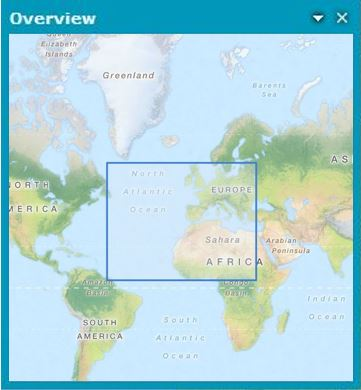
To change the display area you simply draw a rectangle with the cross-hair cursor in the Overview window, or move the rectangle by holding its edge with the hand-style cursor.
In the context menu (available under the down arrow) in the Overview window, the following additional settings are available: