Registering Personal Storage Service
To register services:
- On the Data Sources tab, select Define a data source to open the New Data Source dialog box.
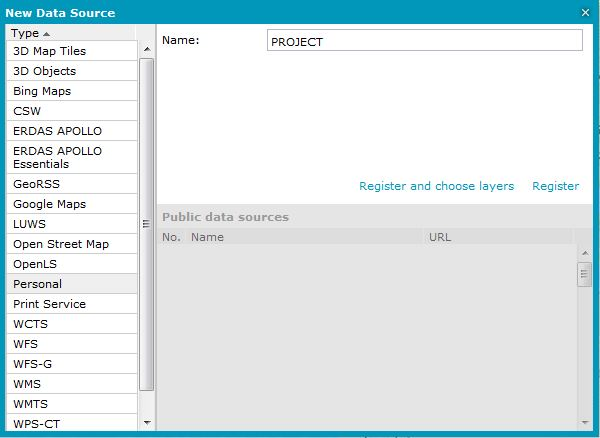
- In the New Data Source dialog box, select the Personal connector, and provide the name of the service. Then click Register.
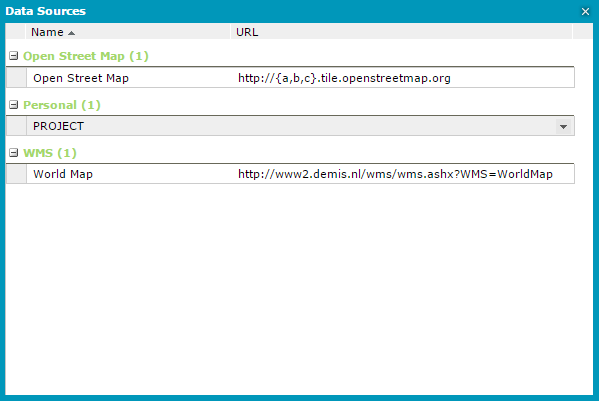
- Using Show data sources, validate that the PSS service is registered in the Personal section.