 to display the Snap toolbar.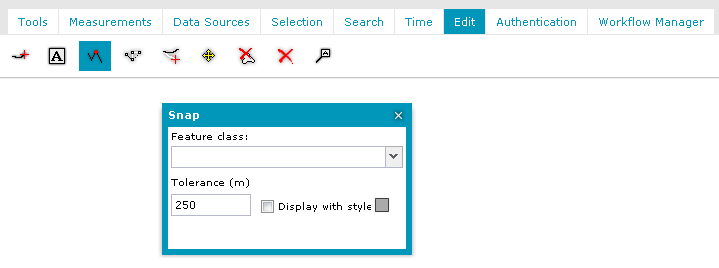
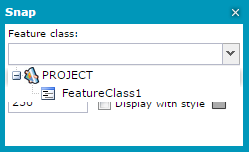
 To select any object for editing, release the Snap functionality and reactivate Snap after selecting the object.
The Snap functionality lets you more easily insert features and edit geometry. During creating or editing geometry, elements of the created objects are attached to the objects from the selected feature class so that you can draw objects more precisely.
To activate Snap functionality:
to display the Snap toolbar.
To select any object for editing, release the Snap functionality and reactivate Snap after selecting the object.