 This section is valid for the following flavors: Geospatial Portal, GeoMedia WebMap Advantage, GeoMedia WebMap Professional, ERDAS Apollo Advantage, ERDAS Apollo Essentials.
 This section is valid for the following flavors: Geospatial Portal, GeoMedia WebMap Advantage, GeoMedia WebMap Professional, ERDAS Apollo Advantage, ERDAS Apollo Essentials.
The WMS time parameter lets you track the changes to a phenomenon in time and space.
In order to connect a WMS service with a time parameter, use the same workflow as for registering the regular WMS service. See Registering Data Source.
To display data from different time periods served by the WMS service with a time parameter:
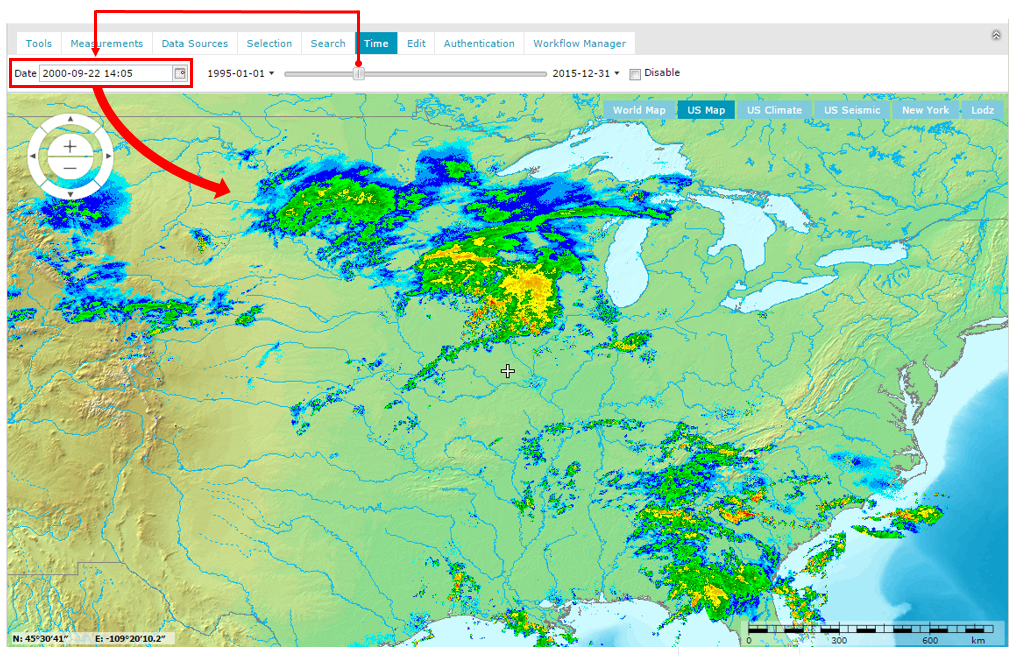
Select the Disable option to view only the most recent data served by the connected WMS service.